 Visto Docs
Docs home/Reviews and delivery
Versions and revisions
To revise an existing piece of work, open the original asset and choose Upload new version. Uploading an unrelated asset with the same filename does not create a version relationship.
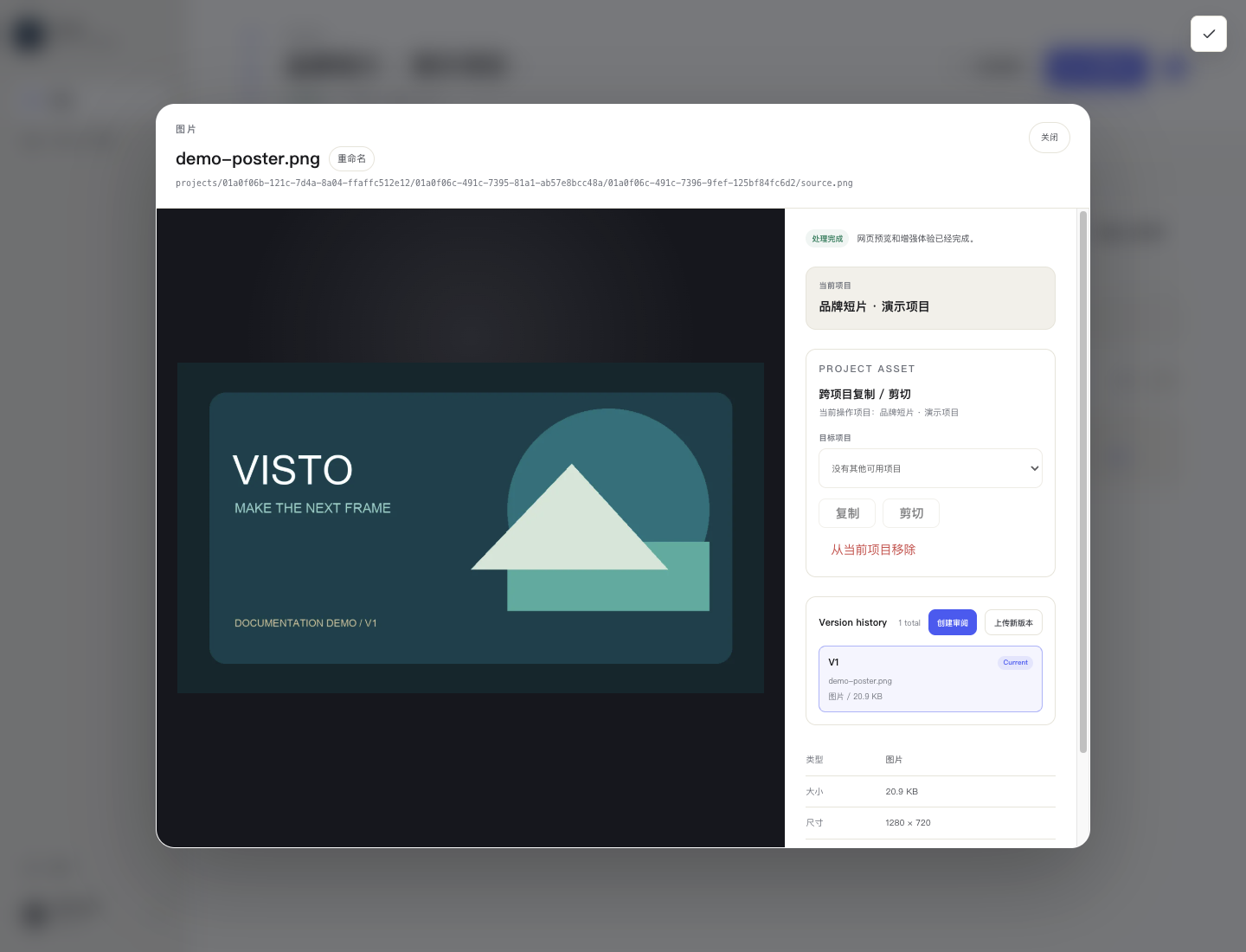
Start the next revision
- Open the asset's version history.
- Upload the revised file.
- Wait for transfer and processing.
- Check the new version number, preview, and file information.
- Check which version is marked Current.
- Create the next review with the new version selected.
Previewing a historical version and making it the current version are different actions.
Old reviews and comments remain attached to their original versions. Uploading V2 does not replace V1 in old review links. Name the new review clearly, for example “V2 — revised ending and subtitles.”